I'm remoted into a linux box using VS Code Unit Tests. Debugging is working elsewhere when I navigate web pages in the browser (using a port other than 9000), but when I click on a Unit Test's Bug Icon, I get a port conflict.
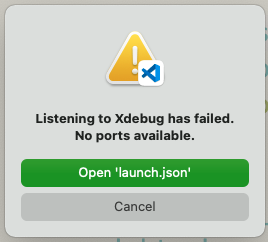
Listening to Xdebug on port 9000 failed: Error: listen EADDRINUSE: address already in use :::9000
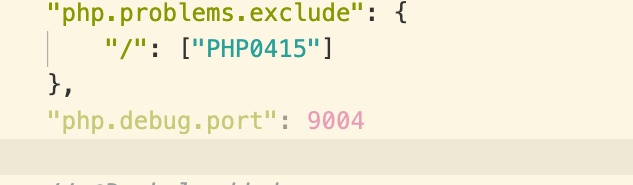
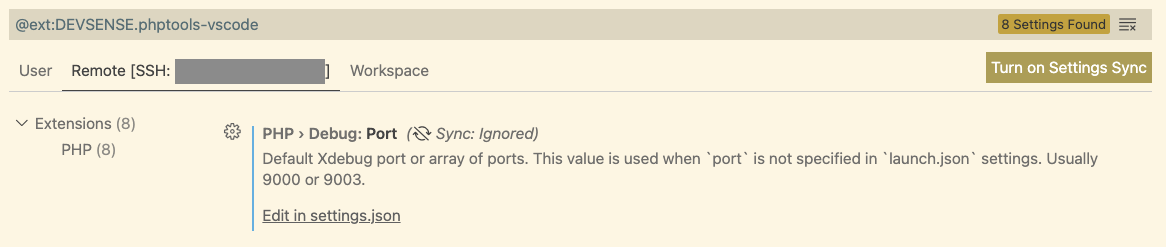
A popup directs me to launch.json. I think 9000 isn't available on my server because of FPM and I'd like to switch to a different port like 9004. Despite what I try, the unit test bug icon button seems set on using port 9000. How can I switch the bug icon button to use a different port?
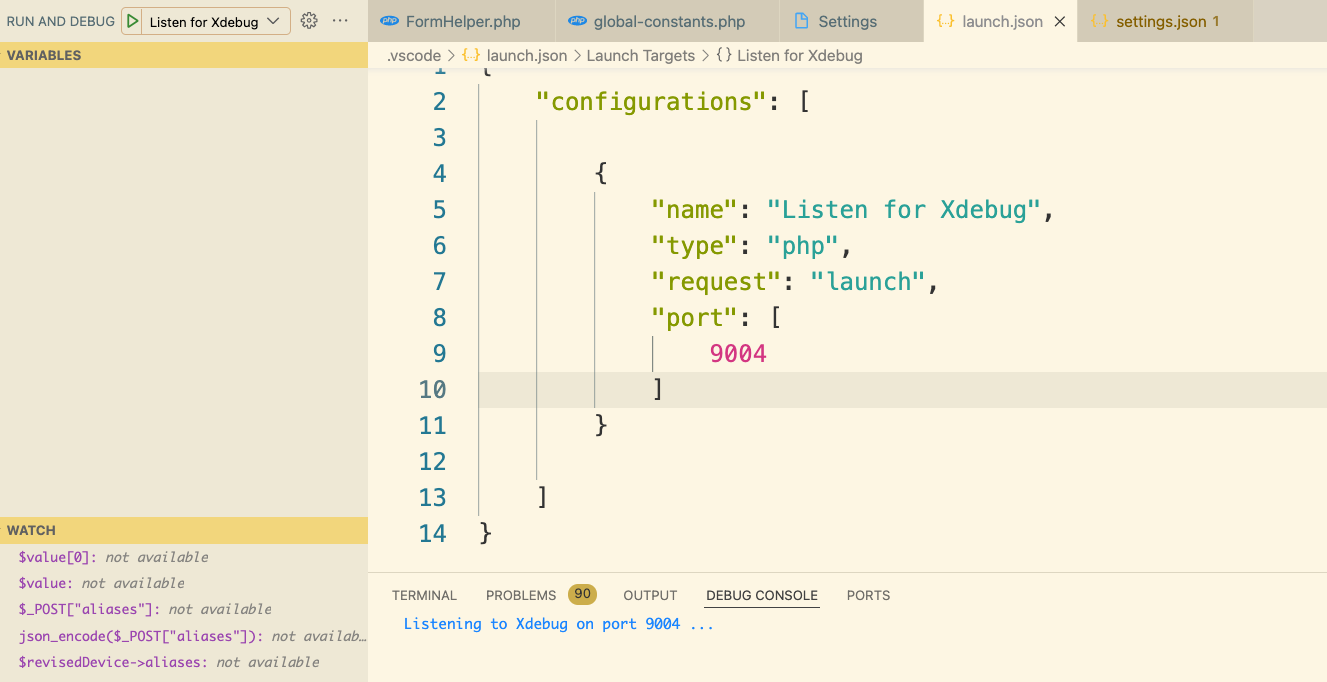
The JSON below shows some of my attempts.
{
"name": "Listen for Xdebug",
"type": "php",
"request": "launch",
"port": [
9004
],
"env": {
"XDEBUG_CONFIG": "remote_port=9004"
}
}
I also have a .user.ini file set to use port 9004 in the root directory of my project.
xdebug.client_port=9004
My php.ini is set like this.
; 2021-01-10
zend_extension=/usr/lib64/php/modules/xdebug.so
xdebug.mode=debug
xdebug.remote_host=127.0.0.1
xdebug.remote_port=9003
My php version looks like this:
PHP 7.3.20 (cli) (built: Jul 7 2020 07:53:49) ( NTS )
Copyright (c) 1997-2018 The PHP Group
Zend Engine v3.3.20, Copyright (c) 1998-2018 Zend Technologies
with Xdebug v3.1.2, Copyright (c) 2002-2021, by Derick Rethans
Can the Unit Test Debug button be set to use a different port?