JakubMisek Thank you for reporting the issue; we'll fix it within today. You may workaround it by setting error_log php.ini directive for now.
JakubMisek This happened on the latest preview release; the fixed version is available on https://www.devsense.com/download
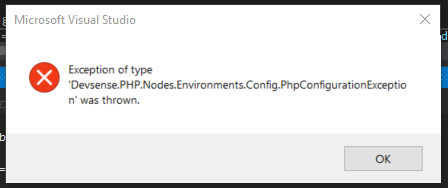
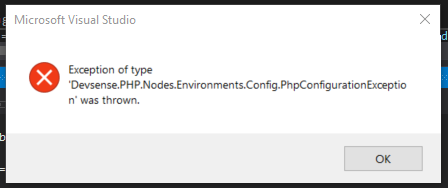
Mario1 JakubMisek Thanks for the fast reply. I've updated and that error is gone but now I got a new error/exception: "Exception of type 'Devsense.Php.Nodes.Environments.Config.Phpconfigurationexception' was thrown." As you can see here Any ideas why this is happening? Best, Mário Teixeira
JakubMisek Thank you for trying the latest update. When does it happen? Is it a new PHP project, when running the project with F5 ?
JakubMisek May I ask for the activitylog file (https://docs.devsense.com/en/vs/troubleshooting/activitylog-xml) ? It would help us to fix it asap. Thank you
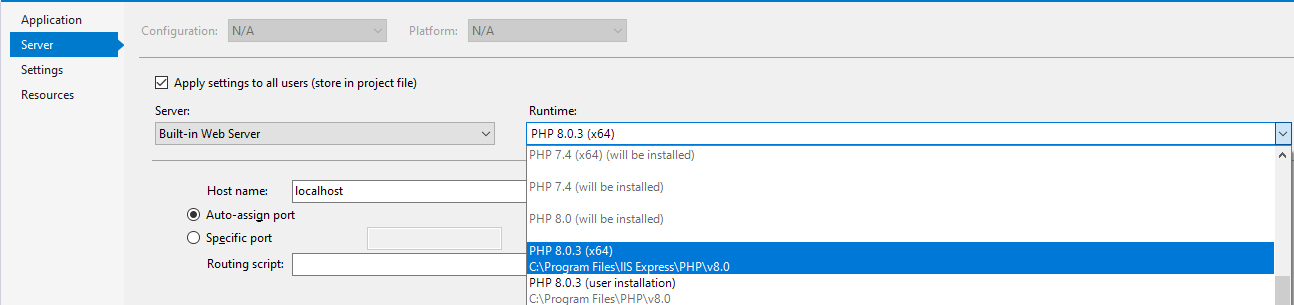
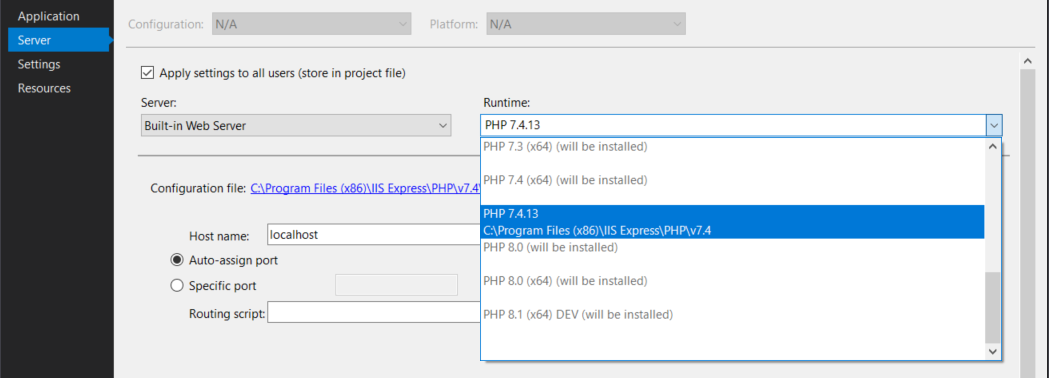
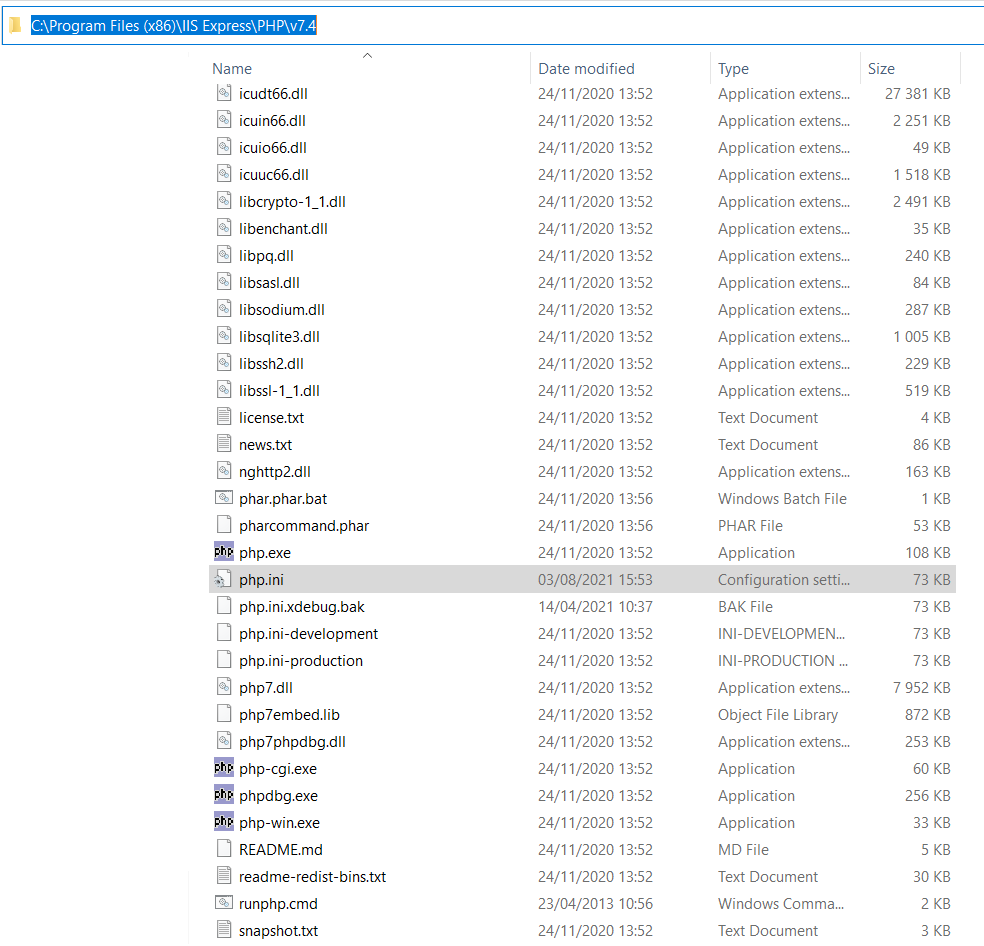
JakubMisek May I ask what's the path to PHP that supposed to be used? You can find it in Project Properties, tab Server. Can you verify, there is a corresponding php.ini file?
Mario1 JakubMisek I'm using PHP 7.4.13 and it has a corresponding php.ini file, as you can see on the images below. Do you want me to send you the php.ini file? Thanks
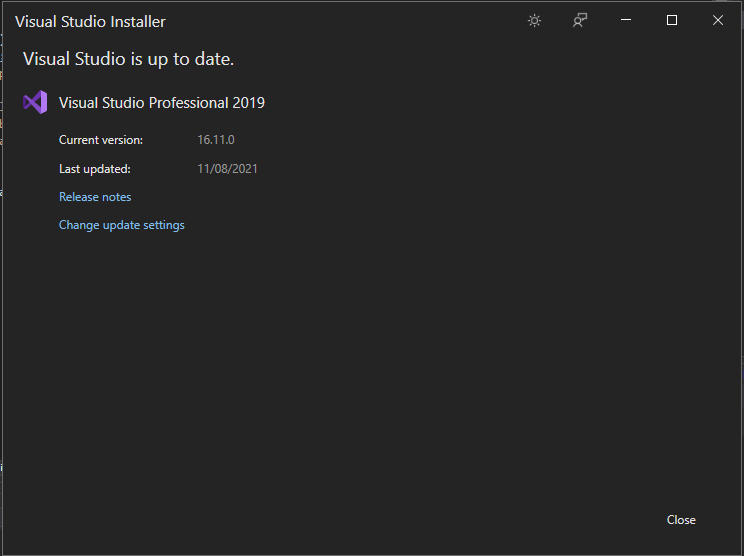
JakubMisek Just a quick question; do you have updated Visual Studio? seems it should provide more details when the error happens.
JakubMisek May I ask to try the latest preview update at https://www.devsense.com/download (v1.56.14344+) ? It may fix the problem, or at least provide us with more information. Thank you
Mario1 JakubMisek I've reinstalled Visual Studio and I've installed the latest preview update (v1.56.14344+) and the error still persists. 😢
JakubMisek reinstalling VS wouldn't help, since it is certainly a bug in project properties; is it still the same error?
Mario1 JakubMisek Yes, the error is the same and still persists. If you want we can schedule a call via email so you can see my project properties and verify if there is any bug. Thanks
JakubMisek I suppose the remote session would be quickest; before that one last question is it a newly created project? if you right-click the project in Solution Explorer, is there "Edit Project File" command?
Mario1 JakubMisek Ok, my email is mario.teixeira@rmultimedia.pt. Yes, it's a recent project (since 1 month ago) but it came from old versions of other (similar) projects. Yes, there is a "Edit Project File" command. Thanks
JakubMisek The recent 'preview' update should provide more information - https://www.devsense.com/en/download Otherwise, I'll contact you by email so we can resolve it remotely. Thank you