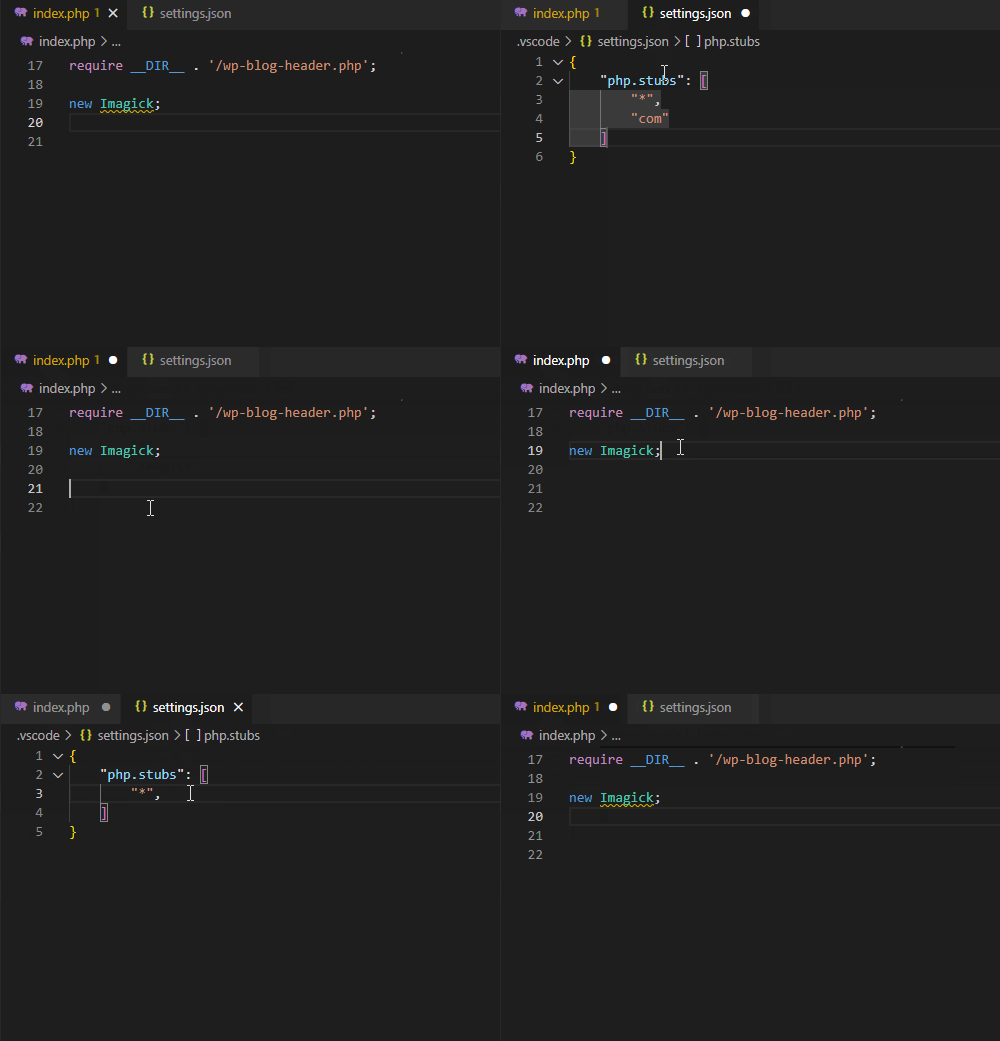
Justin1 For some reason phptools is throwing an error about imagick not being found. The code works, its just some annoying errors I want to go away. I found a solution for intelephense but not one for phptools. The solution was to add imagick to the stubs. Is there a similar feature for phptools or a way to fix this?
JakubMisek Hi, thank you for the question. Is it error during debugging, or a problem underlined in the editor? The set of stubs is a good idea, we may add it in the future. Currently phptools expect the nonstandard extensions to be added as stubs anywhere in your workspace. The stub for imagick can be found at https://github.com/JetBrains/phpstorm-stubs/blob/master/imagick/imagick.php I hope it helps!
JakubMisek The upcoming update provides the setting to choose PHP extensions to be included in IntelliSense, the localized manual, and code analysis. Thank you!
JakubMisek The update v1.6.8588 https://marketplace.visualstudio.com/items?itemName=DEVSENSE.phptools-vscode allows to set additional stubs using "php.stubs" setting, e.g.: { "php.stubs": ["*", "imagick"] }
rabol Hi I just added the above setting to my VScode settings, but I still get the Use of unknown class: 'Imagick' Do I need to have the sub file installed as well ?
JakubMisek rabol nothing else needed. Just ensure, you don't have more vscode settings mixing together maybe? Sometimes users have a global settings and local settings with different values.