Ray
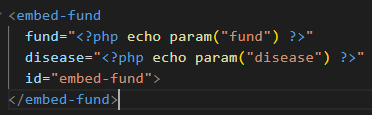
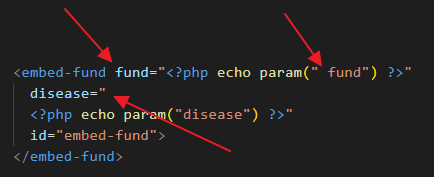
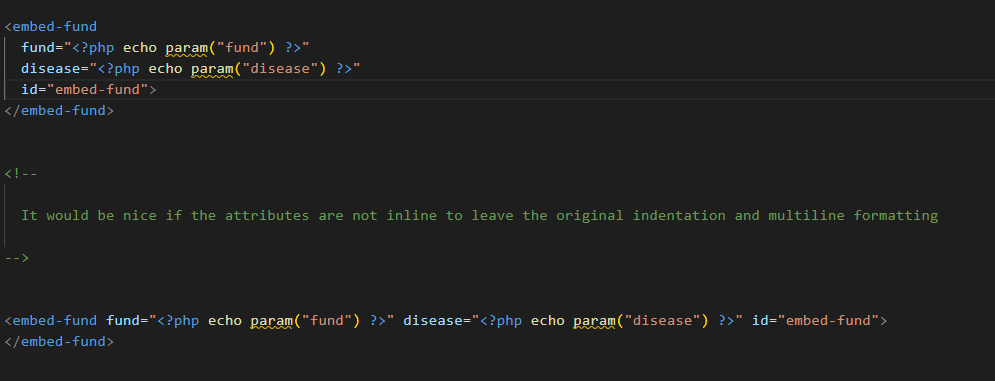
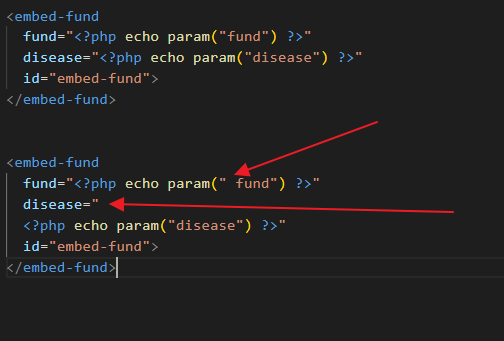
This one behaves according to the VS Code HTML formatter settings.
You can configure it with html.format.wrapAttributes in settings.json
auto: Wrap when the line length is exceededforce: Wrap all attributes, except firstforce-aligned: Wrap all attributes, except the first, and align attributesforce-expand-multiline: Wrap all attributesaligned-multiple: Wrap when line length is exceeded, align attributes verticallypreserve: Preserve wrapping of attributespreserve-aligned: Preserve wrapping of attributes but align
So preserve or preserve-aligned should do the trick.
You can find the list of all settings at https://code.visualstudio.com/docs/languages/html#_formatting