JakubMisek
Ok, let me describe my current experience with the other plugin
- If the class name is unique enough, i.e. only 1 matching class, the pop up does not even appear and
use ... is imported silently, I can tell it was imported because the wavy line under the class name disappears (ctrl + alt + i, 0 cognitive load)
- If there are a matches, they are all listed, i just pick the line with
facade. the list is very easy on human eyes because they are consistent (ctrl + alt + i + up/down/enter, small cognitive load)
With PHPTools
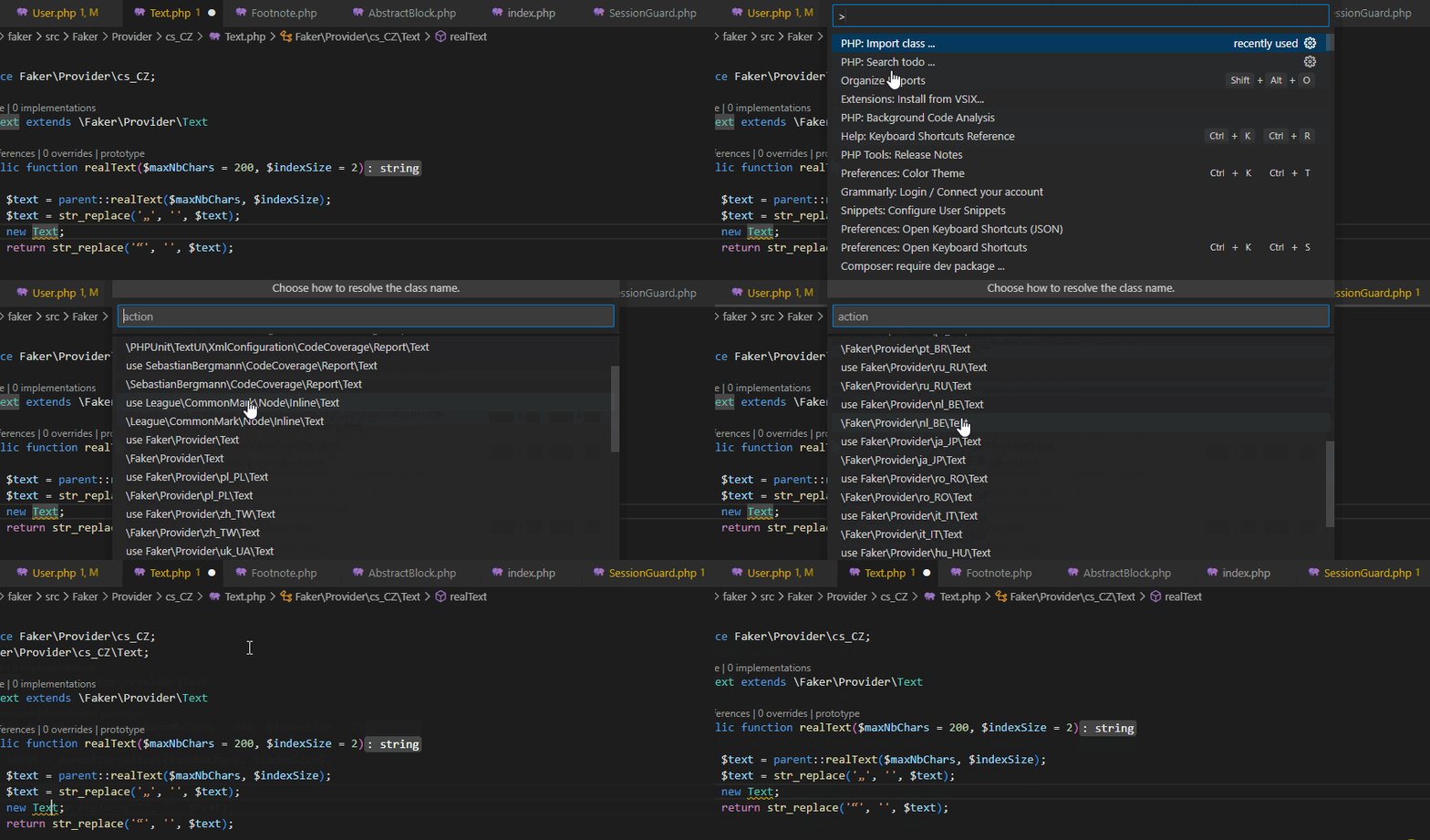
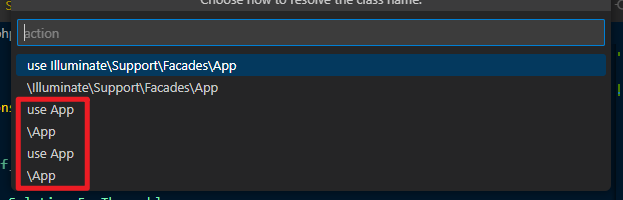
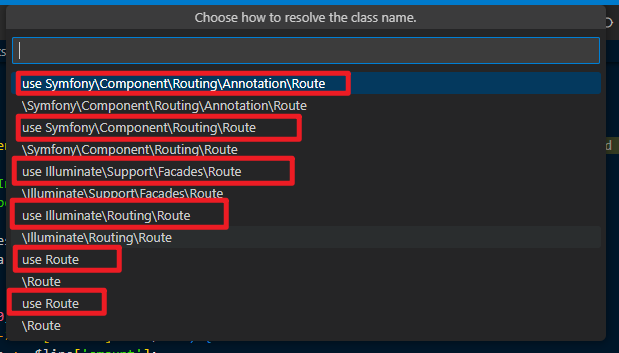
- Harder to pick the one I'm after because list is twice as long and difficult to parse because odd lines start with
use, even lines have no use (inline), and now, I have to think which additional keys to type to filter... and filtering doesn't help, because odd lines still have use and even lines without (ctrl + alt + i + several other keys + up/down/enter, medium to heavy cognitive load)
My suggestion is to split this into 2 commands, 1 to show list of classes with use, 1 to show list of classes without use (inline)
Perhaps another not so obvious point is,
When transferring code from another file, i.e. a cut and paste operation. I might have 0 idea what classes are being used. If I see a wavy line under a class, all I want is for the wavy lines to go away, so it becomes way harder to use if I'm expected to know what to type to filter the list.